Reworking My Homelab Setup
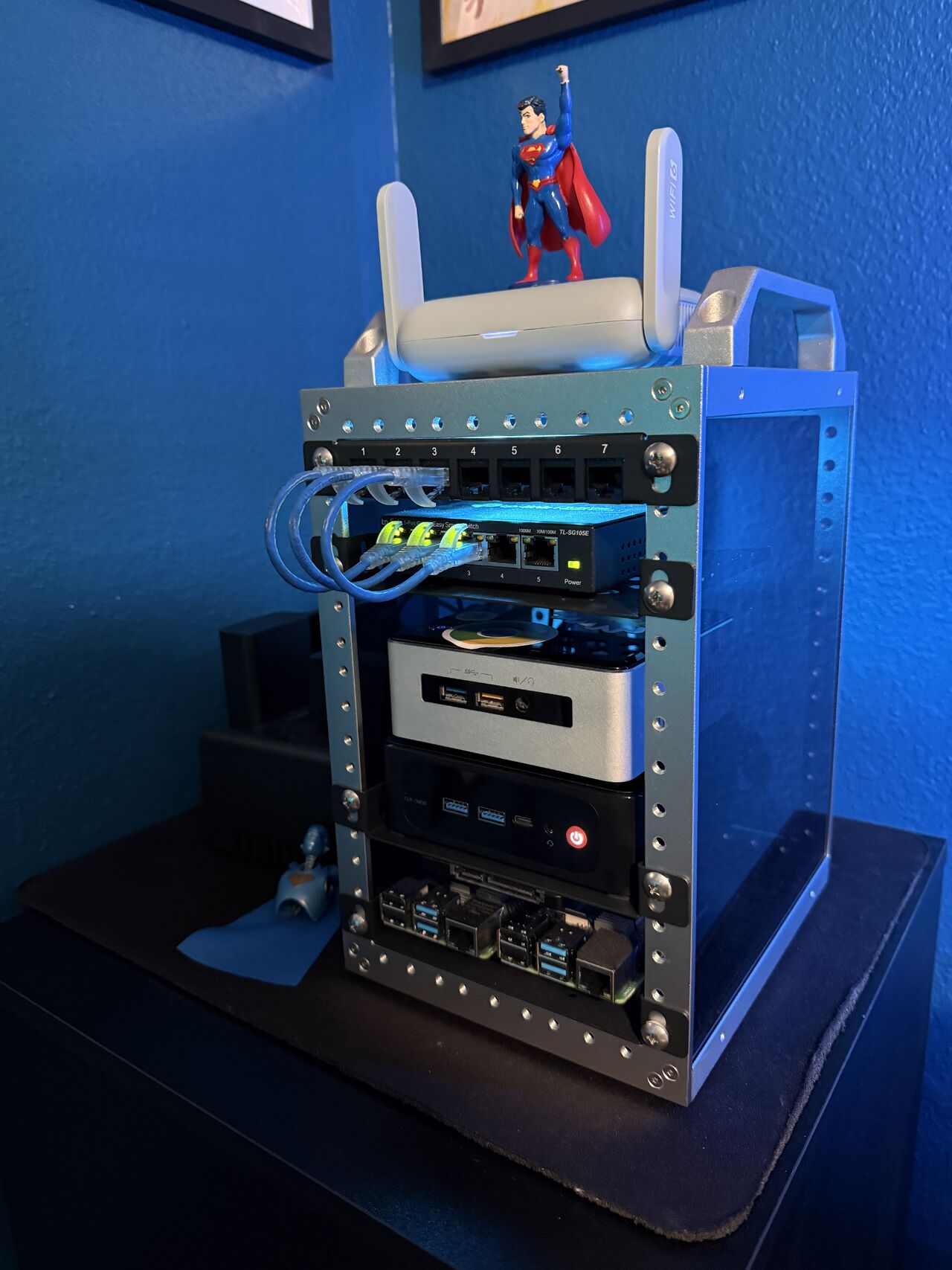
Here’s a quick update on my little homelab setup and what I’ve been reworking lately. Right now I’m using a GL-MT3000 travel router as a wireless bridge to my Asus RT-AX86U Pro (since running a cable isn’t really an option unfortunately). That said, this has actually been a pretty decent workaround for if I need to have a wired connection near my desk. That bridge feeds into a small TP-Link managed switch plus a mini patch panel, and from there I have two hosts connected.
The first host is an older Intel NUC that’s running Proxmox. That one is handling my two Linux VMs, which are Vaultwarden and Forgejo. The second host is a small Bee-link mini PC that’s running Windows 11 Pro with Hyper-V, and inside Hyper-V I’ve got a Windows Server 2019 Standard VM. For storage I’m using an external USB drive for my main files and another USB drive as a Veeam backup. It’s a simple setup, but for a budget homelab it works really well for practicing and testing things.
For contrast, I previously had all of this on Proxmox but wanted to switch to Hyper-V since that seems to be the direction people are going these days. But then Hyper-V had some quirky issues that made it difficult, so I ended up with two hosts: one for Linux servers and one for Microsoft servers.
My next step is to take the Windows Server VM and turn it into a domain controller and then sync it with Microsoft 365 using Entra Connect.