Rebuilding My Homelab with KVM and Proxmox
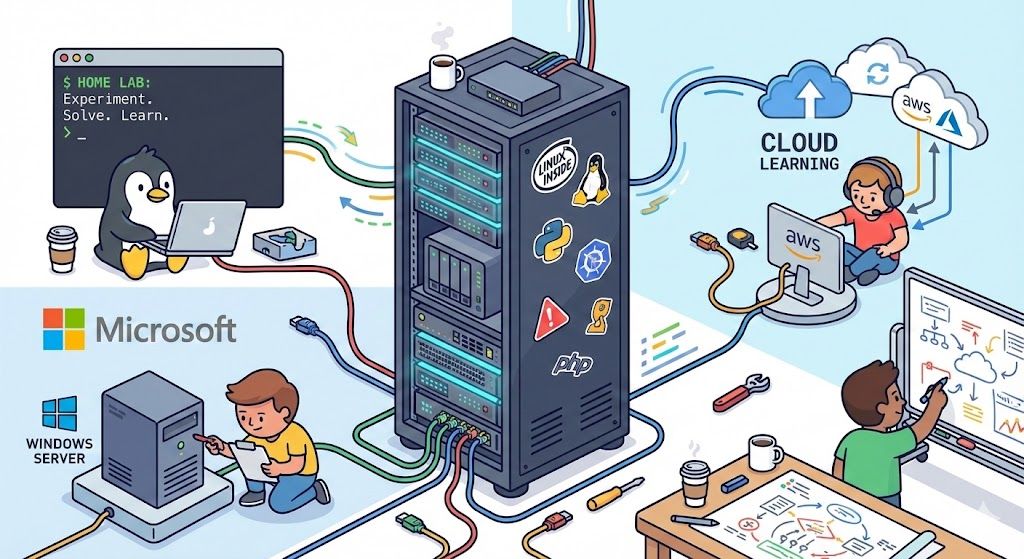
Following up on my last blog post, I’m currently working through the MS-102 (Microsoft 365 Administrator) course, which is very cloud focused. Most of the material revolves around Microsoft 365 services, Entra ID, Intune, security, and compliance. Even so, I wanted a realistic lab environment to practice with, not just clicking through portals, but understanding how things fit together end to end.
That decision sent me down a bit of a rabbit hole.
After a lot of trial, error, and rethinking, I landed on a setup that I’m happy with. My old Intel NUC now runs Proxmox on bare metal as a Type 1 hypervisor, hosting two Linux servers for my password manager and Git repositories. Nothing flashy, just stable services I rely on.
For Active Directory, things took a different turn. I originally tried hosting Windows Server 2019 Standard on Windows 11 Pro using Hyper-V, but it was too bloated for the small Bee-Link mini PC I’m using. Performance was poor, it froze a lot, and it felt like I was spending too much time dealing with issues, so I scrapped it.
The new setup uses Fedora Workstation as the host OS with KVM/QEMU running the Windows Server 2019 domain controller VM. While this is technically a Type 2 hypervisor setup, KVM is a kernel level hypervisor, so in practice it behaves much closer to Type 1. Performance is excellent, stability is night and day better, and I can RDP into both the Fedora host and the DC with no extra remote access tools. Win win win.
Is this strictly necessary for MS-102? Probably not. But building out a working environment, even when it isn’t directly required, helps reinforce the bigger picture. In a production environment I would do deeper comparisons and planning, but for a home lab and learning setup, this has been a great experience.
The best part is that the only cost was the Windows Server license (which I got on eBay for cheap). Everything else is free, open source, and runs well on older or lower performance hardware. It took some configuration to get here, but it’s now documented and repeatable.
Back to MS-102, with a healthy dose of job searching sprinkled in between.