Autopilot and Intune Endpoint Deployment
How long do you spend setting up and deploying new laptops?
Do you buy them ready to hand over, build them manually, or still image them with Acronis?
Endpoint deployment is one of those areas I kept coming back to, because when it’s good, IT runs smoother, and when it’s messy, everything else gets harder.
In a previous long-term role, our early deployment method was the classic approach with Acronis imaging. It was fast and it worked, but the problem was always the same. The image starts aging the moment you capture it. Windows updates, drivers, apps, and security baselines all drift. Before long, you’re spending more time maintaining the image than benefiting from it.
So I took the next step and built a more structured workflow using MDT server automation. That brought real improvements: better standardization, more control over drivers and installs, and a repeatable process that didn’t rely on undocumented steps or guesswork.
But the real end game was always modern management.
Eventually, I shifted toward Windows Autopilot and Microsoft Intune, with the goal of getting every endpoint cloud-managed. The challenge was that we weren’t starting from a clean slate. We still had on-prem Active Directory, a growing fleet of devices, and a lot of real-world constraints across multiple locations.
That’s where the work got interesting.
I stitched together a practical solution using PowerShell automation, deployment profiles, configuration policies, and app deployments to support both onboarding new devices through Autopilot, and repurposing existing devices into a modern enrollment flow.
Along the way, I also laid a foundation for security with Microsoft Defender for Endpoint, plus some basic Purview sensitivity labeling and DLP to start reducing risk without blocking productivity.
Was it perfect? No. Hybrid environments rarely are.
There were times devices became stale, duplicate entries appeared across Entra ID, Autopilot, and Intune, and some workflows still required manual steps like collecting hardware hashes or triggering enrollment from Windows settings. But even with a few rough edges, it made a real difference, especially when onboarding volume increased and the business needed consistency at scale.
Looking back, I never got the chance to fully finish and polish what I started in that previous environment. There was always another onboarding wave, another priority, and another fire to put out.
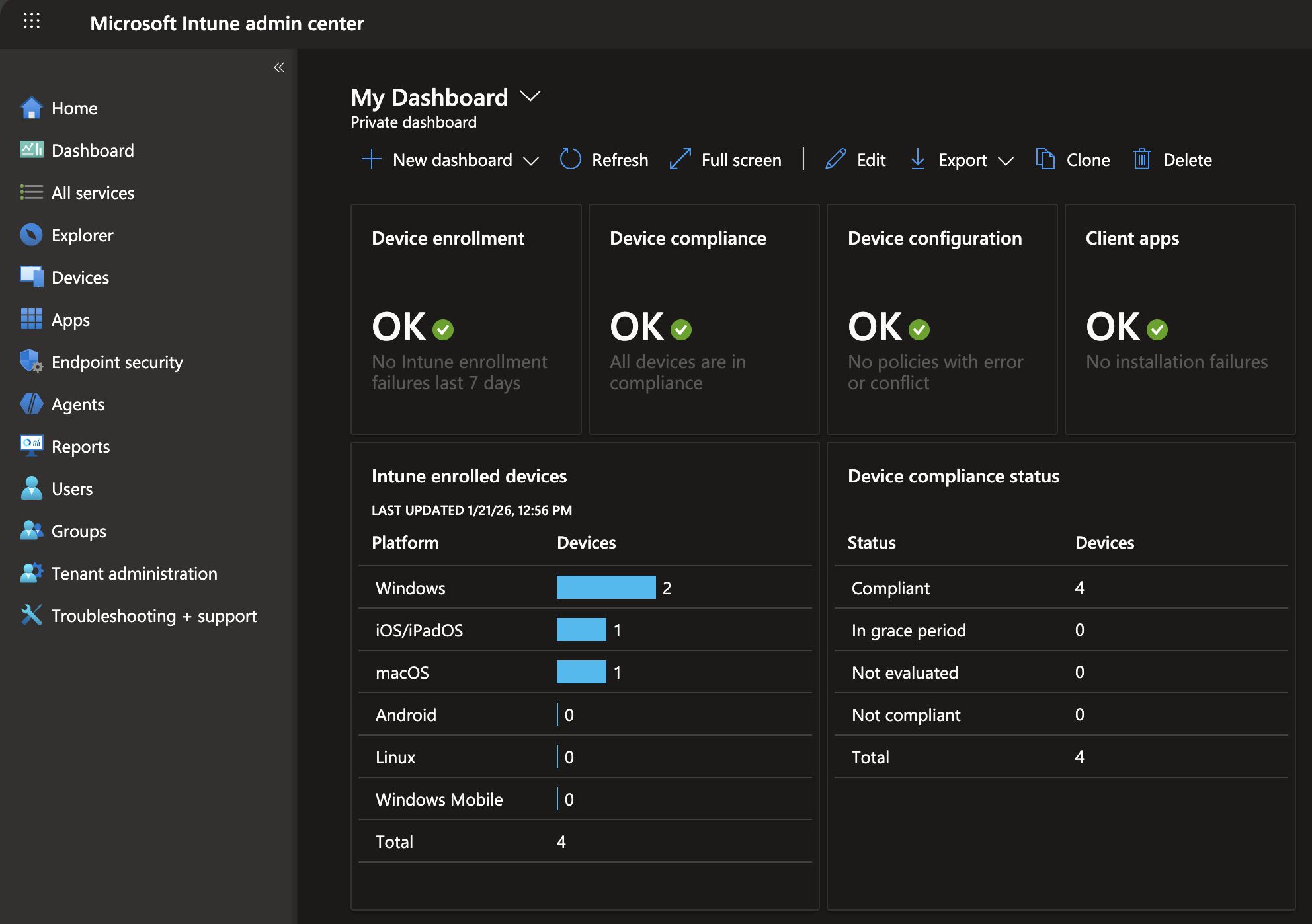
What’s been really rewarding lately is revisiting all of that work in my own TechSnazzy tenant, my lab environment, with the time to iron out the bugs and do it the way I always wanted to. Cleaner design, fewer manual touch points, and a foundation that’s fully repeatable.
It’s only a handful of devices, but seeing a modern endpoint lifecycle running smoothly end-to-end, with no guesswork, reminds me why I enjoy this so much.